Grouping Action Parameters in the Action Parameter Dialog
Learn how to group RAP action parameters into sections inside the action parameter dialog using @UI.facet with OperationalParameterFacets purpose.
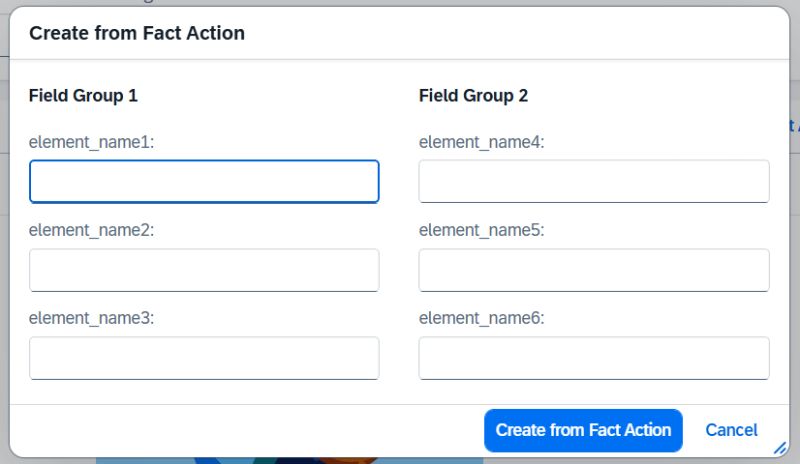
We already know that fields on the Object Page can be grouped easily using Facets, making the UI cleaner and more intuitive. The good news is this capability is now available for action popups as well.
With the new facet purpose OperationalParameterFacets, you can organize action parameters into groups inside the action parameter dialog.
@UI.facet: [
  {
    purpose: #OPERATION_PARAMETER,
    type:    #FIELDGROUP_REFERENCE,
    id:      'Group1',
    label:   'General Info',
    targetQualifier: 'group1',
    position: 10
  },
  {
    purpose: #OPERATION_PARAMETER,
    type:    #FIELDGROUP_REFERENCE,
    id:      'Group2',
    label:   'Additional Info',
    targetQualifier: 'group2',
    position: 20
  }
]

@UI.fieldGroup: [{ qualifier: 'group1', position: 10 }]
Param1;

@UI.fieldGroup: [{ qualifier: 'group1', position: 20 }]
Param2;

@UI.fieldGroup: [{ qualifier: 'group2', position: 10 }]
Param3;
This annotation is placed on the abstract entity used as the action parameter type in the BDEF.
This post is licensed under CC BY 4.0 by the author.